Developers
Mayple API and developer docs
Build on Mayple three ways: the REST API for your own systems, the Mayple MCP server for AI agents such as Claude, and the Shopify app for everything else. Each one works on your own brand’s Mayple account.
- Base URL
app.maypleglobal.com- Auth
- Bearer API key
- Sandbox
- Same URL, sandbox key
- Format
- JSON
- Reference
- OpenAPI 3.0
Start here
REST API
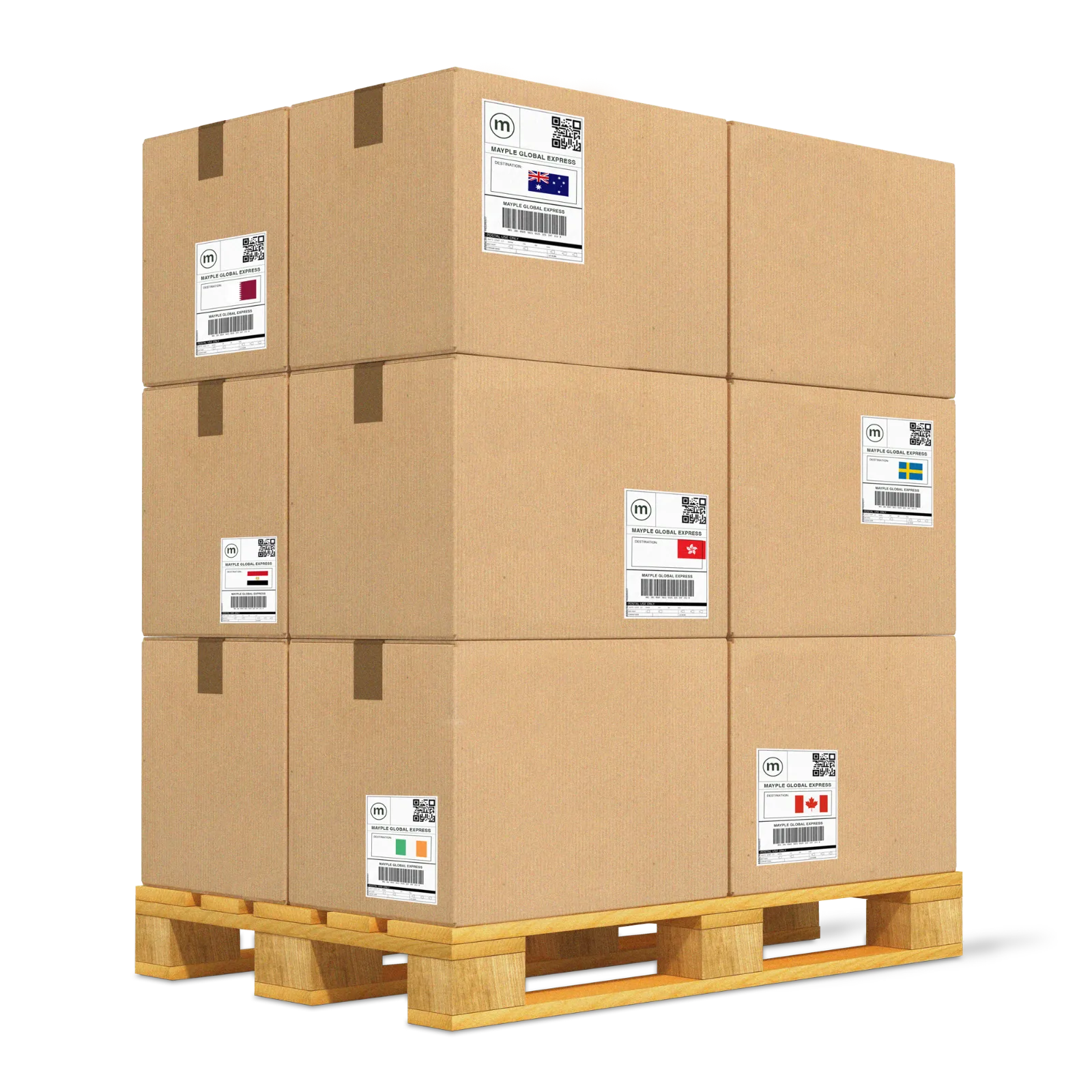
Create orders and products, read stock, plan restocks and pull tracking from your ERP, warehouse or store.
MCP server
Connect Claude or another MCP client to your Mayple account and run it in plain language.
No code
Install Mayple from the Shopify App Store: a 14-day free trial, then $14.99 a month.
REST API
The Mayple REST API
A JSON API over HTTPS for the brand’s own orders, products, inventory, restock requests and tracking. The full reference, with every field and response, is the interactive Mayple API reference (OpenAPI 3.0).
Authentication
Send your API key as a bearer token on every request. A missing or unknown key gets 401.
curl https://app.maypleglobal.com/api/v1/orders \
  -H "Authorization: Bearer $MAYPLE_API_KEY"
Keys and the sandbox
API keys belong to one brand and come in two kinds. A production key works on your live account. A sandbox key uses the same base URL and the same endpoints, but reads and writes Mayple’s sandbox environment, apart from your live orders and stock, so you can build and test an integration safely.
Mayple issues the keys: ask your account manager, or email hello@maypleglobal.com with your brand’s name and whether you need production, sandbox or both.
Endpoints
Paths are relative to https://app.maypleglobal.com.
| Endpoint | What it does |
|---|---|
GET /api/v1/orders | List your orders. |
POST /api/v1/orders | Create an order for Mayple to fulfil. |
GET /api/v1/orders/{id} | Get one order. |
GET /api/v1/products | List your products. |
POST /api/v1/products | Create a product. |
GET /api/v1/products/{id} | Get one product. |
GET /api/v1/inventory | Stock for every SKU. |
GET /api/v1/restock-requests | List your shipments of stock into Mayple’s warehouse. |
POST /api/v1/restock-requests | Create a restock request. |
GET /api/v1/restock-requests/{restockRequestId} | Get one restock request. |
PUT /api/v1/restock-requests/{restockRequestId} | Update a restock request. |
PATCH /api/v1/restock-requests/{restockRequestId}/mark-as-shipped | Mark a restock request as shipped. |
GET /api/v1/tracking-info | Tracking updates for your orders. |
POST /api/v1/tracking-info/acknowledge | Acknowledge the tracking updates you have processed. |
Getting started
From trial to first API call
- Start a free trial. Install Mayple on Shopify: 14 days free, then $14.99 a month and about $15 a parcel, with 0% of your sales. Not on Shopify? Request a demo instead.
- Get a sandbox key. Build against the sandbox first; it takes the same requests as production.
- Switch to production. Swap in your production key. Nothing else changes.
Questions about an integration: support@maypleglobal.com.
For agents
Machine-readable Mayple
- Mayple MCP server at
https://mcp.mayple.ai/mcp: the way for an AI agent to work on a brand’s account. - llms.txt: the site index for language models.
- Every page in Markdown: request it with
Accept: text/markdown, or swap the URL’s ending for.md(this page is /developers.md). - /.well-known/api-catalog: both APIs and their docs, as an RFC 9727 API catalog.
- Source and integrations: github.com/Mayple-Global.